The Drag[en]gine is an free software project with a highly modular structure based on the GLEM System. Its design is similar to an operating system. The entire functionality is provided by Modules comparable to device drivers. The engine itself acts like a system kernel managing modules, resources and abstracting the underlying system. Due to the loose coupling of the modules with the system and other modules it is very easy to exchange or improve them without interfering with the rest of the engine. As a result the modularity extends from the developer to the end user who can now choose the optimal module combination for his personal computer even down to per game setups ( and even while running a game ) if required. Developers do not have to worry anymore about low level concerns keeping them concentrated on their game. In contrary to other engines (including high-end commercial ones) the Drag[en]gine provides true 0-Day portability of games with no extra costs and no troubles neither for the developer nor the end user.
Legal Information
The Drag[en]gine Game Engine is dual licensed under L-GPL (for commercial projects and proprietary use like on consoles) and GPL (for free game project). This affects only game engine modules, launchers and IGDE editors. Game projects do not link against the game engine and thus are not affected by the license.
In short: By using Drag[en]gine you do not have to worry about licensing at all.
Advantages of the Drag[en]gine
... for the Game Designer:
- Use your Scripting Language of choice.
- Hardware is fully abstracted. You only have to know how your chosen Scripting Language works
- Updating the engine and modules is handled by the respective teams. You only have to worry about updating your game
- No need to write specific content for specific systems. The users choice of modules takes care of this for you
... for the Module Coder:
- Play around with individual parts of the engine without disturbing any other part. Test easy and fast new algorithms or features
- Various debugging features help to debug fast and easy modules even during run-time
- Loose coupling and high encapsulation yields in a more stable game engine
- Platform specific code is only handled in modules increasing portability
... for the Customer:
- Choose the optimal combination of modules for your system. The Drag[en]gine adapts to match your system not the other way 'round!
- Open standards and free file formats ensure unrestricted and easy modding using free software applications
- Various Launchers allow you to use the Drag[en]gine for more than just gaming
- The Crash Recovery System prevents a game from crashing to desktop. While CRS is running change parameters or entire modules and continue your game from where it went out for lunch.
For more information check out the Drag[en]gine Wiki.
Features
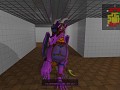
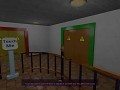
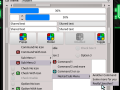
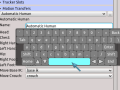
Due to the modular nature a fixed list of engine features as other engines provide is not possible since it all depends on the customer's choices. To avoid cluttering the summary find the features list in this article:
Articles

Drag[en]gine Game Engine 1.21 Release
New release with various fixes, improvement for translations in projects, improved ToneMapping/Bloom and more:
- Drag[en]gine: Added tone mapping controls for camera resources.
- Drag[en]gine: Added support to set default value/vector for animator controllers.
- Drag[en]gine: Modified refresh rate not hard limited to 30 on Windows.
- DragonScript: Improving performance of actor behaviors by disabling thinking if the behavior is disabled.
- DragonScript: Added support to ConversationFacePosePlayback to set the SpeechAnimationPlayback blend factor to a controller to allow blend out face pose for the mouth for example while speaking.
- DragonScript: Added support to change the created TranslationManager.
- DragonScript: Added pan, distance, azimuth and elevation controller support to ECBehaviorActorIK.
- OpenGL: Improving bloom effect and tone map handling.
- OpenGL: Fixed performance problem due to deprecated environment map probe switching happening every frame update.
- OpenGL: Fixed component marked as non-GI to end up in GI tracking causing GI to slow down.
- OpenGL: Fixed problem with flickering lights due to occlusion query result not being properly cleared.
- OpenAL: Added safe-guard against a strange, random and rarely happening exception.
- Bullet: Added support to copy vertex position set weights in addition to bone states for components attached using rig mode.
- OpenXR: Added new vive tracker targets supported since extension revision 3.
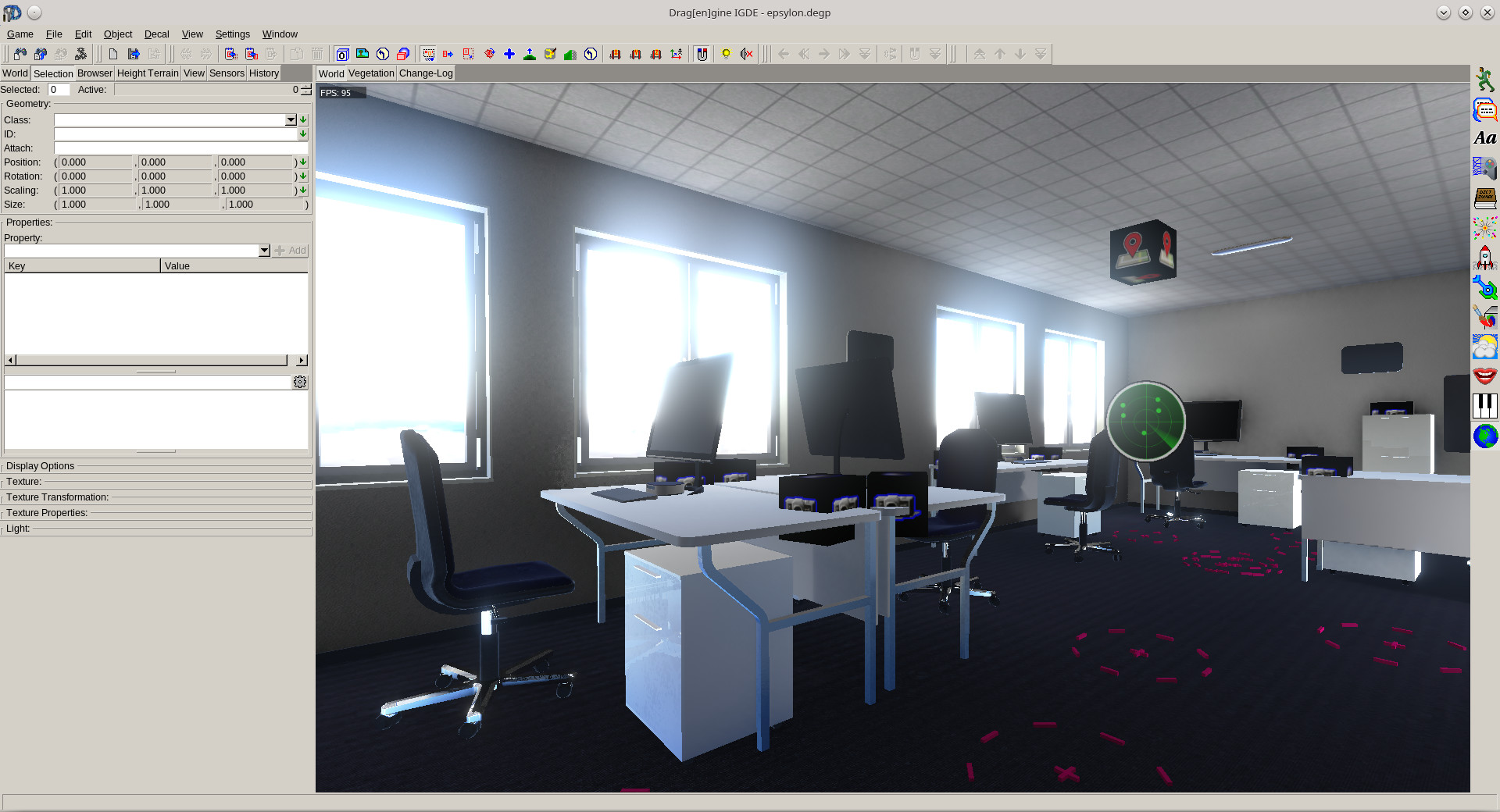
- DEIGDE: Added support to load/save camera settings from camera panels (... button).
- Project Editor: Added support to set additional run arguments for each profile used only for test running.
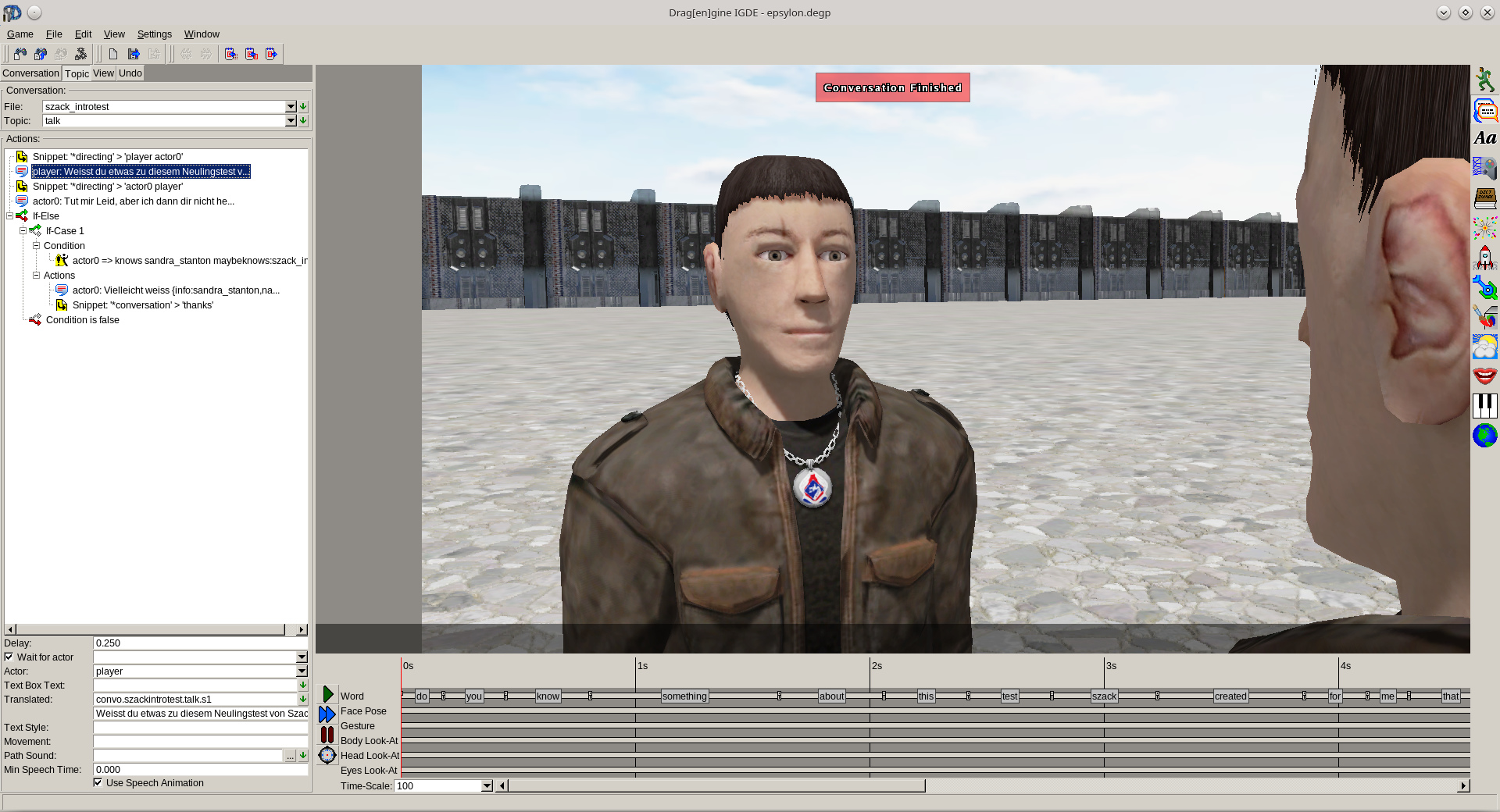
- Conversation Editor: Added support for recent file list for Conversation Test Setup, Conversation Test Actor, Conversation Test Game State and Attach LangPack.
- Conversation Editor: Modified action tree items to show long text as tooltip.
- Conversation Editor: Modified actor speak tree item to show full translated text as tooltip.
- Conversation Editor: Modified action tree to show translated text if language pack is attached. Also changed actor speak action panel to show translated text below translation identifier if language pack is attached.
- Conversation Editor: Added support to find missing words on topic group and conversation level. Simplifies the process of finding words in need of speech animation during production.
- Blender Scripts: Fixed incorrect *.deanim file exported if some moves have no shape keys action.
- Blender Scripts: Added support for exporting animations with shape keys.
See the full changelog here: Changelog Release 1.21.
To help distribute your games find here also the updated distribution files for Steam and Microsoft App Store.

![Drag[en]gine 1.20 and DEMoCap 1.1 Released](https://media.indiedb.com/cache/images/articles/1/322/321088/crop_120x90/democap-1.1.png)
Drag[en]gine 1.20 and DEMoCap 1.1 Released
NewsNew releases left and right with language, gamepad and project management improvements.
![Drag[en]gine 1.19 Released](https://media.indiedb.com/cache/images/articles/1/321/320537/crop_120x90/banner_medium.png)
Drag[en]gine 1.19 Released
News 1 commentNew releases incoming with various improvements and fixes.
![Drag[en]gine 1.18 and DEMoCap 1.0 Released](https://media.indiedb.com/cache/images/articles/1/319/318367/crop_120x90/democap-1.0.png)
Drag[en]gine 1.18 and DEMoCap 1.0 Released
News 1 commentNew releases incoming with dynamic texture properties and the first non-early-access DEMoCap release!
Games

Epsylon
AdventureEpsylon - The Guardians of Xendron takes the player on a journey to a futuristic world investigating a very special Science-Fiction setup. With a team...
Post a comment
Mod SDK & Community
Built a game for Drag[en]gine and want to support mods? Try mod.io, a cross-platform mod SDK created by IndieDB which makes it easy to get a mod community up and running in-game. Currently seeking games to integrate and promote

X
Tags
Embed Buttons
Link to Drag[en]gine by selecting a button and using the embed code provided more...
![Drag[en]gine](https://button.indiedb.com/popularity/medium/engines/9.png)
![Drag[en]gine](https://button.indiedb.com/rating/medium/engines/9.png)
![Drag[en]gine](https://media.indiedb.com/images/global/indiedb.png)
You may also like
Kochol Game Engine
Zlib

Dagon
Proprietary
Real Virtuality 1
Commercial

001 Game Creator
Commercial

Panda3d
BSD
![Drag[en]gine](https://media.indiedb.com/cache/images/engines/1/1/9/crop_120x90/banner_large.png)
Drag[en]gine
L-GPL
Hey bro. It has been a very long time since I posted to ya. Hope your good buddy. I just wanted to let ya know I added your engine link to my new Game Design Social Network.
Aknighthawks.space
If you want to come to the site and Register you could add a space for your engine. And maybe get more people to know about it. Anyway hope to hear from ya bud. Have a good one! :)
This comment is currently awaiting admin approval, join now to view.
Hey, I'd like to ask, I remember a feature that randomizes textures so that vast open space doesn't look artificial. Really useful for oceans or deserts and something that plagues many AAA games.
What was the name of said feature again?
This can be done using the "variation.u" and "variation.v" texture properties: Developer.dragondreams.ch .
If enabled you can use layered textures (3D textures) for individual texture properties (like color). Right now *.png3d is supported or using constructed textures: Developer.dragondreams.ch .
*.png3d is by the way just a *.tar file with "zX.png" files inside where X is the layer/depth (0,1,...).
I have been looking forward to seeing this engine working and downloadable but after all these years I do not see this happening. On a number of occasions you have stated you only have to clean up a few things and finalize before release, that was nearly 2 years ago.
Don't worry. The release is slated for within 2-3 weeks from now. What's left currently is brushing up the example project so people get a grasp of what can be done as well as brushing up the documentation (Wiki side). Then the public GIT repo will be set up with an initial cast of builds (linux and windows for the time being).
Thanks for the great news looking forward!
Hello. Can someone point me, where can I download Drag[en]gine? I can not find it on theyr website, can't find on their Wiki, nor could I find it here. No prebuilt engine, no modules, no sources, nothing. How can I try it?
It's not available to the public yet. There are a few things I need to clean up and finalize first before I open up the repository. I prefer a solid first release than endless patchwork.
wow, this engine looks really promising. Sadly I use a mac and can't run it, Is there any plans for a mac version? It wouldn't be to hard to port it if it runs on Linux.
The engine is POSIX based. Only thing that has to be ported is the launcher as the rest would work out of the box. Only problem: I've no access to a mac. If anybody donates a mac strong enough to run advanced graphics it could be done. Otherwise I'm afraid not for the near future.
Darn, the problem is that macs are fairly pricy, It would be hard to find a person willing to donate a up to date mac.
Also just wondering, what is the launcher written in?
They are written in C++. This is though not mandatory. Every language able to link to a C++ library can be used to write a launcher.