Pilot your magnetic ship through waves of deadly enemies in this vibrant and explosive space shooter inspired by classic arcade games. Using your ship's magno-drive, use your deactivated foes as both weapons and armor in just about any configuration you can imagine -- but know that you can lose them just as quickly as you gain them. Frantically adapt to the many enemy ship types, ranging from missile launchers to laser swords, and blast your way to victory!


Articles
As I predicted, I've been out of commission on this for a while. Like, almost a year. But rest assured, I've still been working on this very periodically. Plus I finally have some time again! So you'll all be glad to know that the final boss which previously had a single attack now has TWO attacks.
BUT SERIOUSLY THOUGH! Exciting news! The latest version of Adobe AIR has joystick support! This is cause for much celebration, and also many exclamation marks!!!
Today, I got the gamepad controls mostly working, and they feel really good. I'm pretty sure this game is going to have to come with a Super Meat Boy-style gamepad "recommendation" intro.
Here's a little gif showing it off:
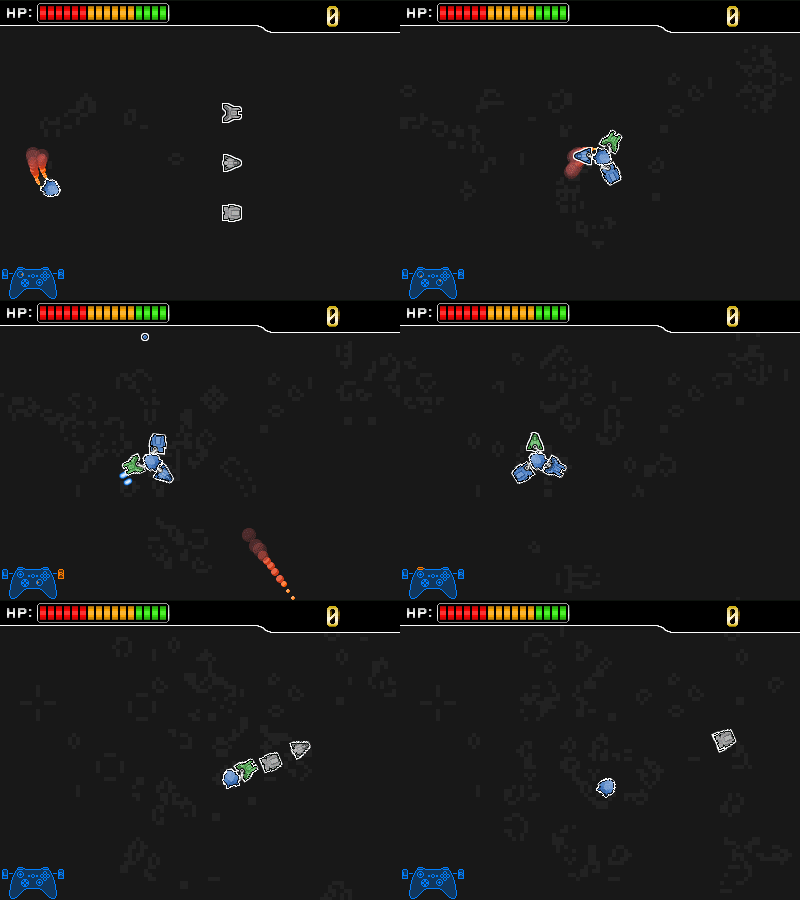
You can also see a new feature I added in, which is the ability to "shift" your attachments without having to go to the pause menu. Basically you can change which attachment points where you're aiming (which is always colored green). As well, you can press a button to discard your primary attachment. I want to keep this game pretty fast-paced, so this should keep people from constantly having to break up the action to get rid of attachments they don't want or shuffle their favorite weapon to the front.
Control Schemes
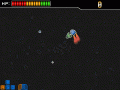
News 3 commentsControl schemes aren't often one-size-fits-all, so I've come up with a few different ways to handle it in Magnaut.
Speeding up Slashdash
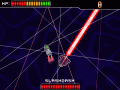
NewsGetting a little more work done on Slashdash, the sword-wielding spaceship.

Reworking Music
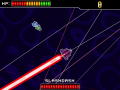
NewsI've been working on this game on and off for over two years. Some of the older music is getting pretty old at this point. Time to update it a bit!
Post a comment
Profile

Style
X
Tags
Embed Buttons
Link to Magnaut by selecting a button and using the embed code provided more...


You may also like



These Is World Selection Available? (Suggested As Level Selection)
Are you asking if there's going to be a level select? If so, then yes, I'm planning to have one.