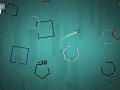
Rotion is a challenging, addictive game where the aim is to clear shapes by getting to the middle and popping them. Relax in free play and Single, explore the Campaign, play against your friends in Splitscreen, or take on Survival and see how long you can last...
Articles
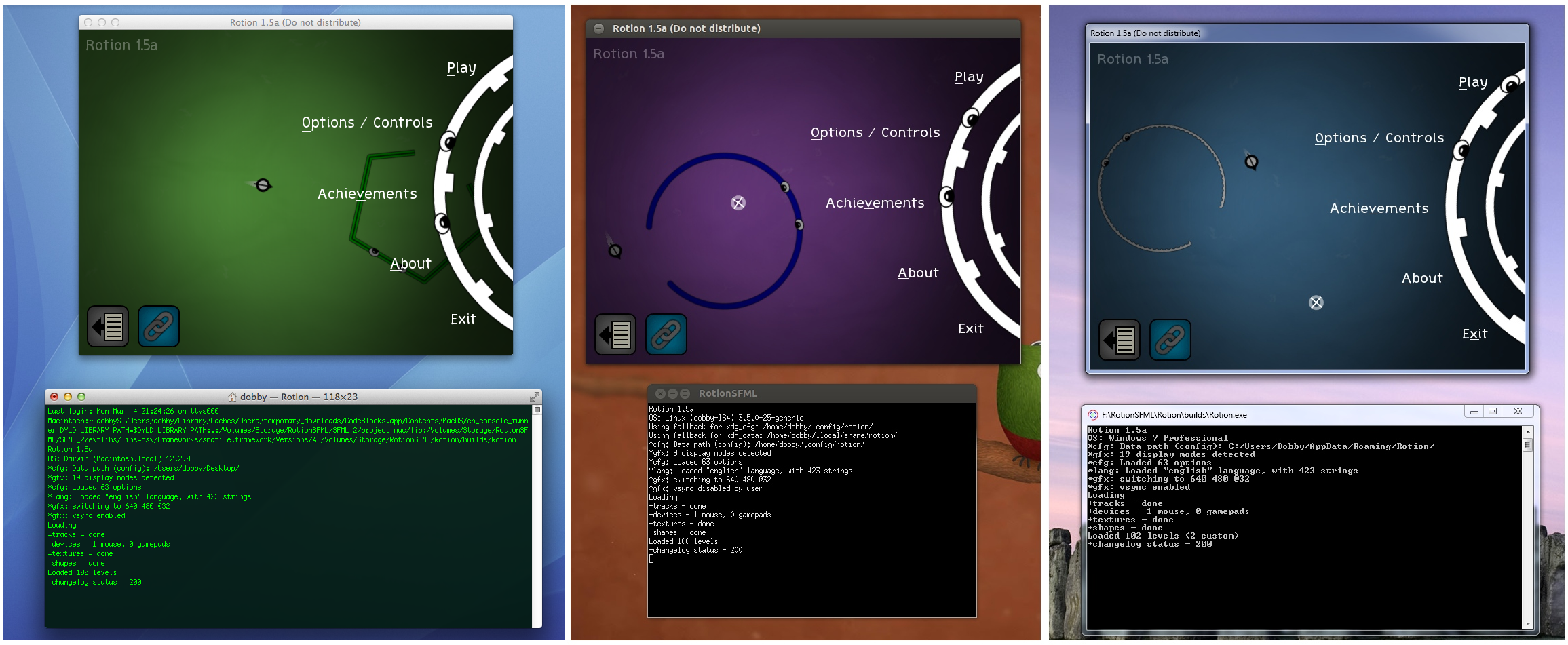
Alpha 1.5 is now available on all 4 platforms (Windows, Mac, Linux 32 and Linux 64).
Here's the changelist:
- Added new level editor
- Added new AI shape: pulsers
- Added nicer effects on some powerups
- Added auto-search for assets folder when it can't be located
- Added vertical sync option to menu
- Added achievement for popping an imploder straight away
- Added about a year's worth of SFML updates
- Added new music track
- Added better random AI generation
- Added visual aim assist helpers
- Fixed crash on pressing cancel in the 'unsafe close' dialog
- Fixed various shader problems on each platform
- Windows: fixed taskbar icon
- Linux: fixed input bugs in fullscreen & startup dialog boxes
- Linux: changed vertical sync to default to on
- Mac: released first build
See below for cross-platform goodness ;)
And here's a video of the new visual assist in this release:
I hope to start rounding things off and finishing the campaign from now on!


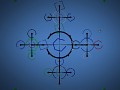
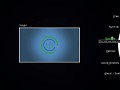
Rotion's new and improved Level Editor
News 1 commentSince porting Rotion to C++ (+Linux), it's been without a level editor. Until now!
Rotion demo 1.1 now available
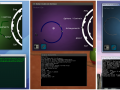
News 3 commentsI've re-made the demo with the cross-platform code, so now it runs on Windows, Linux 32 and Linux 64.
Rotion 1.4a (Windows) now available
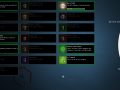
NewsIt's been a busy few months! I've now uploaded the new C++/SFML version of Rotion to Desura for alpha players.
Rotion: First footage of C++ version
News 8 commentsIt's going well! Three of five gametypes are fully playable.
Post a comment
Profile
Icon

Creator
novemberdobbyEngine
CustomContact
Send MessageHomepage
Rotiongame.comRelease date
Game watch
Follow
Style
X
Tags
Embed Buttons
Link to Rotion by selecting a button and using the embed code provided more...



You may also like

Couldn't load shader assets/shaders/transition.sfx
This came up. Help please?
Which platform? There should be some more info above the error which may help as well.
cant get this to work well on multi-monitor Linux. Starts up stretched across both screens and then when I try and switch to the right resolution (resolution of my primary screen), the buttons in the game stop working. So much so that I have to restart my system. There a way to fix this?
What distro are you on? Are you running in windowed?
Luckily, I can test this now since I recently got a second screen too.
I'm on Linux Mint 14 64-bit with MATE. I'm running in fullscreen. I tried it again and now it only plays on the first screen like it's supposed to, but it's turning off the second monitor when it's started.
I'm using nvidia's twinview for the monitors.
This should be fixed in the next build. There was a window focus bug, but I've modified the code so that buttons will always be clickable in fullscreen :)
Hello!
I am experiencing very, very bad tearing while moving vertically in game. It is so nasty that my eyes start to bleed and I stop playing. What can I do with it?
Oh no! Is vsync enabled? It'll tell you somewhere in the console window on startup. If it isn't, try opening your cfg (click the bottom left button in the main menu) and change gfx_usevsync as so:
gfx_usevsync:1
On Linux, I disable vsync by default since it causes problems on my outdated distro.
Oh, thank you again!
I found another small bug while fixing vsync: if you click that bottom left button and then start the game again, it will say that Rotion did not exit properly.
BTW, no problems with enabled vsync so far. I use Debian stable with NVidia proprietary drivers.
Are you sure (when it said it exited badly) that it wasn't actually still running? Rotion will try and minimise itself when you click on one of those links. Two copies running at once would explain the the message :P